One catalog in.Every channel out.
Import from Shopify, enrich every listing with AI, build the creative in-platform, and publish clean feeds to Google and Meta — plus a validated ChatGPT Ads feed — then see revenue and spend for every SKU.
A closed loop between product qualityand commercial performance.
FeedGraph connects every step from catalog import to ad account action — six stages, one platform, nothing falling through the gaps.
Import and structure your complete product catalog from Shopify or CSV upload.
Fill content gaps with AI: titles, descriptions, categories, and missing attributes.
Generate channel-ready product images and creative at catalog scale.
Publish validated feeds to Google, Meta and any custom output — plus a hosted ChatGPT Ads feed you connect in Ads Manager.
Measure revenue and spend at individual product level across all channels.
Apply bid recommendations directly to your ad accounts and feed changes to Google Merchant Center.
Built for the people who live in the catalog.
Running your own catalog across multiple ad channels.
You manage your own Shopify store and advertise on Google, Meta, or both — and you want to be on ChatGPT Ads without maintaining a second catalog for it. You want one place where inventory, creative, feeds, and performance connect, without stitching together five different tools.
Shopify to Google Merchant Center →Managing catalog operations and ad performance for clients.
You run Shopify catalog operations and advertising for multiple brands. You need a platform that gives you control and visibility across clients — without building custom tooling or maintaining a spreadsheet dependency.
Product Listing Ads management →Four problems.One platform.
Fix the catalog
Find and correct missing fields, rejected products, and validation errors. Every issue flagged before it affects live feeds.
Build better product content
Fill missing titles, descriptions, categories, and attributes with AI enrichment. Generate channel-ready product images at catalog scale.
Publish everywhere
Create and schedule feeds for Google, Meta, ChatGPT Ads, and any custom output. Every product validated against that platform’s own spec before export — and never against another platform’s.
Invest behind the right products
Join per-SKU performance data to your catalog. See which products earn and which waste budget. Apply bidding changes to your ad accounts directly.
Built for how youactually sell.
Every one starts with your Shopify catalog in FeedGraph. What changes is where it lands.
Shopify to Google Merchant Center
Fewer rejections, better serving, no manual exports.
Learn more →Meta Catalog Ads
Higher DPA click-through, far less creative overhead.
Learn more →ChatGPT Ads Product Feed
Hosted, validated and crawler-checked before you launch.
Learn more →Product Listing Ads Management
Bid changes rooted in SKU data, not gut feel.
Learn more →Every change logged. Every call yours.
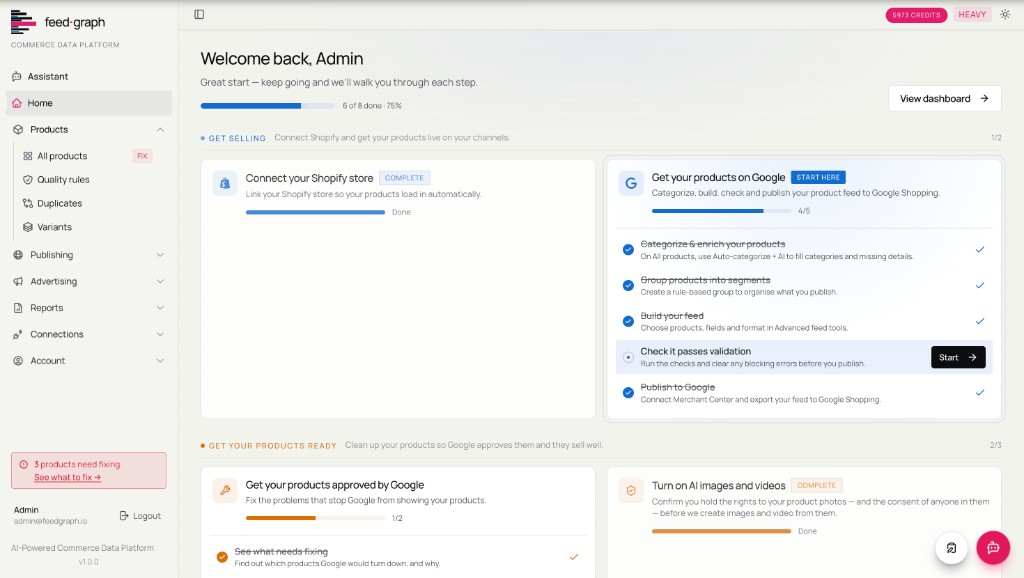
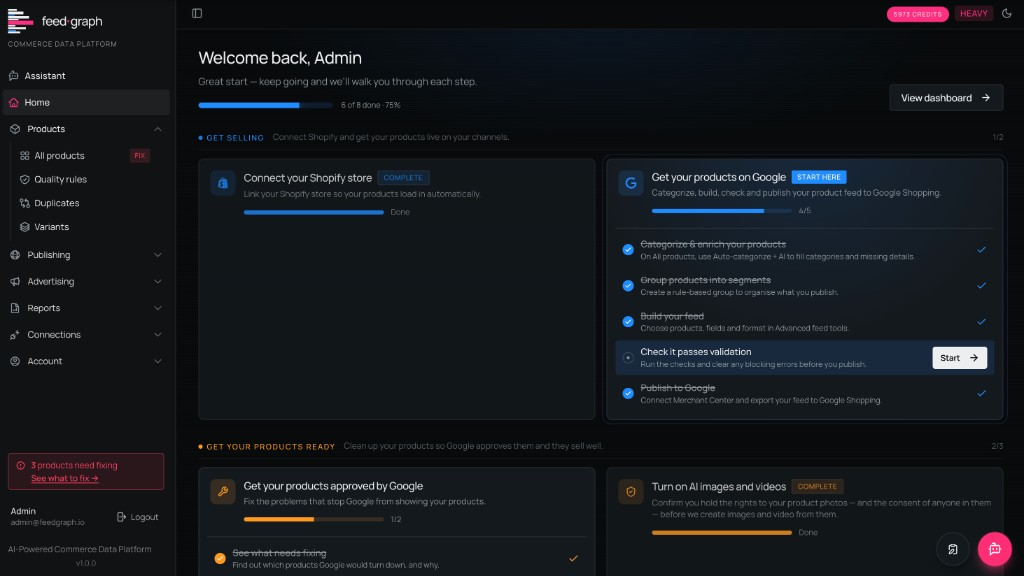
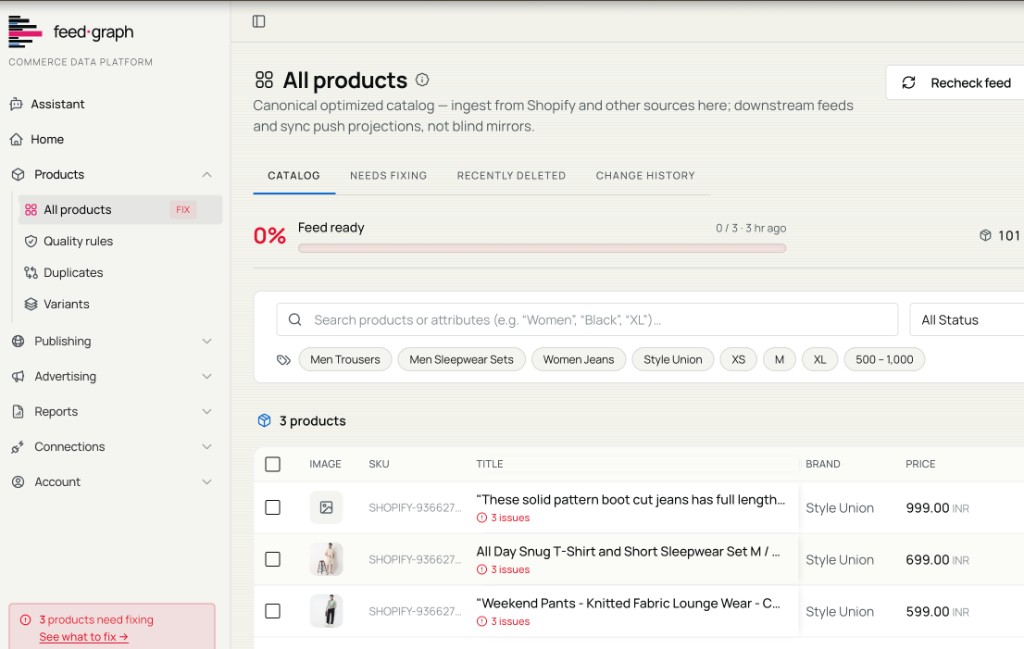
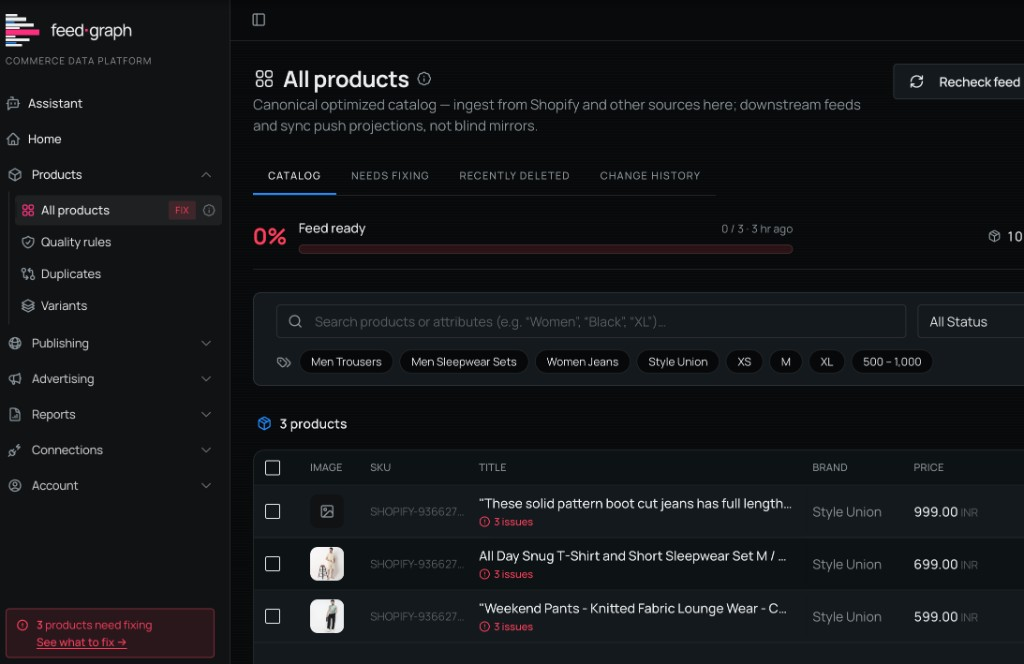
Built to scale with your catalog.
FeedGraph is designed to manage product catalogs from hundreds to hundreds of thousands of SKUs — via Shopify Bulk Operations, incremental polling, and real-time webhooks working in parallel.
Every change is structured, attributable and auditable.
FeedGraph records every modification to your catalog — enrichment applied, field edited, feed published — with a timestamp, attribution, and the value before and after.
More than a feed tool.
Other tools handle one part of the problem. FeedGraph closes the loop between catalog quality and advertising performance.
More than feed distribution
FeedGraph manages the full loop from catalog quality through enrichment and creative to advertising performance — not just the export step.
Product-level intelligence
Every decision connects to a specific SKU: which products to spend behind, which to fix, which to pull from ads until they're ready.
Built for AI-assisted operations
AI proposes; you approve. Every enrichment, image, and bid recommendation requires explicit sign-off before it activates.
One structured source of truth
One place where your catalog lives, all channels update from it, and every change is logged, attributed, and traceable.
Upload once. Every format, ready.
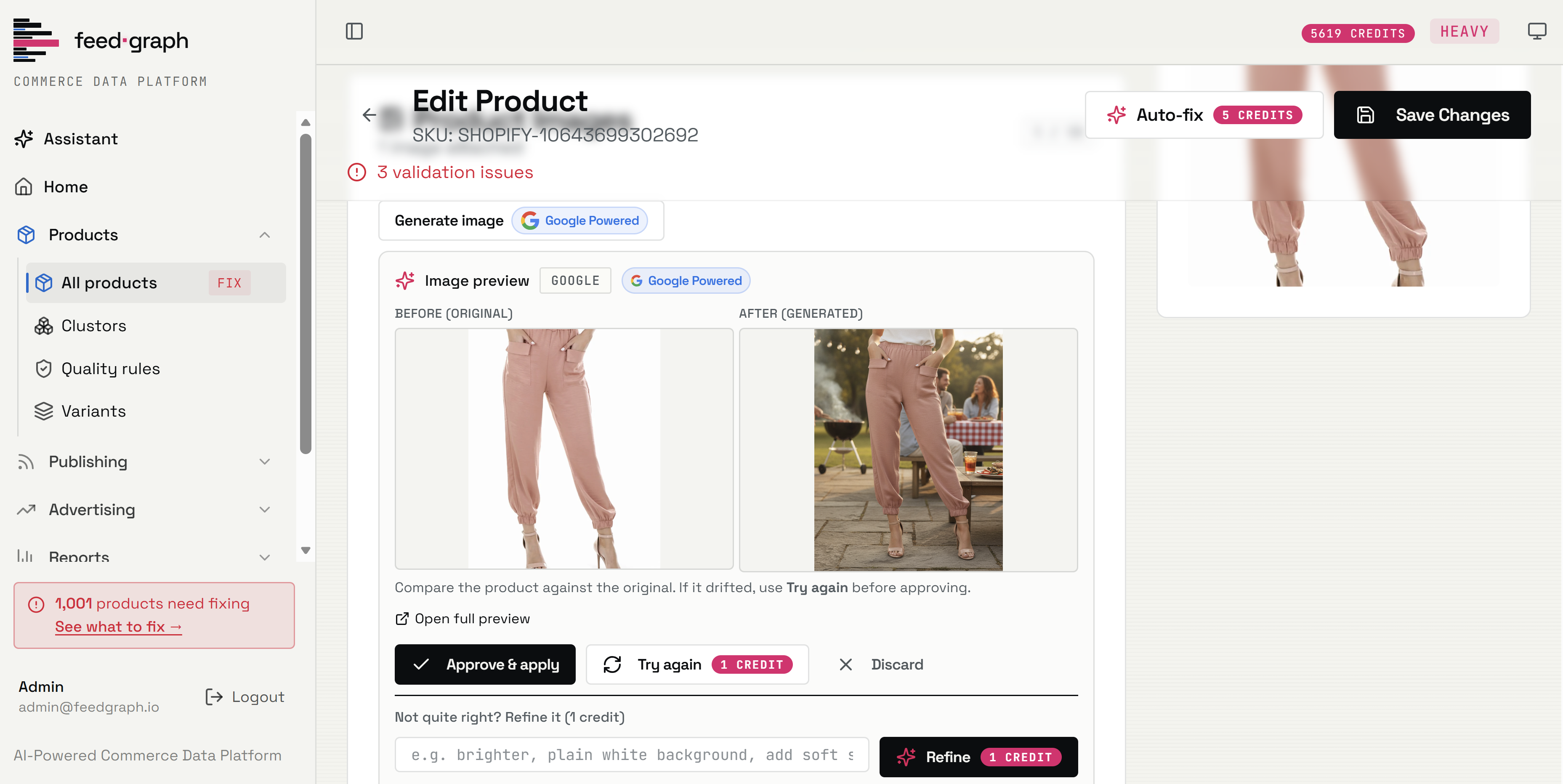
Drop in a single product image and FeedGraph generates channel-ready creative for every format — hero, lifestyle, square, story, banner — each cropped and sized to spec, then referenced in your feeds automatically.







Any occasion. A live feed.
Describe the campaign in plain language. Christmas, Black Friday, a spring launch. FeedGraph selects the matching products and builds a live feed.
| id | title | image | price | availability | gtin |
|---|---|---|---|---|---|
| – | – | – | – | – | – |
| – | – | – | – | – | – |
| – | – | – | – | – | – |
1 held Cane Lounge Chair (Missing GTIN). Empty feed blocked.
Clear answers about your ads.
Connect Google and Meta and FeedGraph joins spend and revenue to your live catalog — then sorts every SKU into an action you can apply in one click.
Your data stays yours.
FeedGraph is designed around the principle that merchant data belongs to the merchant. Here's what that means in practice.

FeedGraph connects via Shopify OAuth with read-only access by default. No password is stored. Write permissions for bidding are a separate, explicit opt-in.

You can disconnect FeedGraph from your Shopify admin at any time — no FeedGraph login required. Access is gone the moment you revoke it.

Every AI recommendation — enrichment, image, or bid — is previewed before it takes effect. Nothing is applied without your explicit sign-off.

We never sell merchant data. Data is shared only with the infrastructure and AI subprocessors required to deliver the features you activate.